
Notifications
Clear all

Topic starter
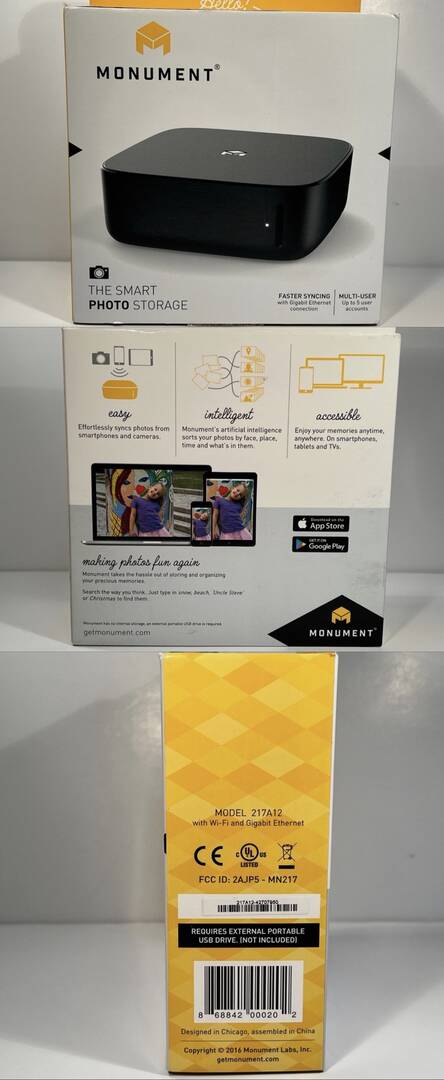
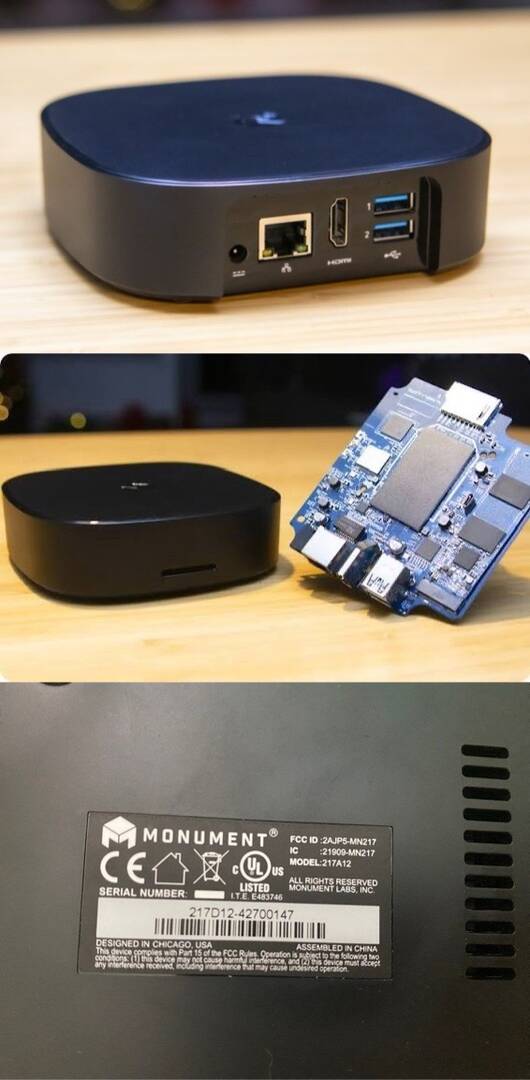
Hi everyone,
I have a Monument V1 photo management device by Monument Labs (Model 217A12). Unfortunately, the company appears to be inactive, and the cloud services/app support seem to have been discontinued, leaving the device with very limited functionality.
Before recycling it, I’d like to explore whether the hardware can be repurposed.
---
Device Details (from inspection)
Based on external inspection and photos:
- Model: 217A12
- FCC ID: 2AJFS-MN217
- Power: 12V / 4A
- Ports:
- Ethernet (RJ45)
- HDMI output
- 2× USB 3.0
- USB-C (unknown function)
Packaging indicates:
- Requires external USB storage
- Designed for AI-based photo management
Internal board appears to contain:
- ARM-based SoC (exact chip not yet identified)
- Onboard RAM + flash storage
- Embedded Linux is likely
---
What I’m Interested In
I’m open to any ideas, including:
- Running it as a Linux server
- Using it as a NAS or backup device
- Home automation node
- Network tools or monitoring
- Ad blocking (Pi-hole / AdGuard)
- Media server
- Installing alternative firmware
- Gaining root or SSH access
- Hardware modification
- Reverse engineering firmware
---
What I’m Looking For
Has anyone worked with this device or similar hardware and:
- Identified the exact SoC or board platform?
- Found UART / JTAG / debug interfaces?
- Accessed a shell or bootloader?
- Dumped or modified firmware?
- Bypassed the cloud/app dependency?
- Installed custom Linux or other software?
---
I Can Provide
- High-resolution teardown photos
- PCB markings / chip IDs
- Serial/UART logs (if accessible)
- Additional testing if needed
---
References
---
Thanks in advance — any ideas or technical insights would be appreciated.
Posted : 20/06/2026 1:47 pm

Just wondering if you have had any luck with your Monument 1. I am in the same boat. I have a 2013 model macbook that I was hoping I could use with older software to keep this thing running to update my photos but so far I have had no luck. I can't get my monument connected to my new wifi which seems to me my main problem at the moment. These things are so frustrating! At least leave us with legacy software if you are going to discontinue your product!
Posted : 15/08/2026 5:58 pm
Topic starter
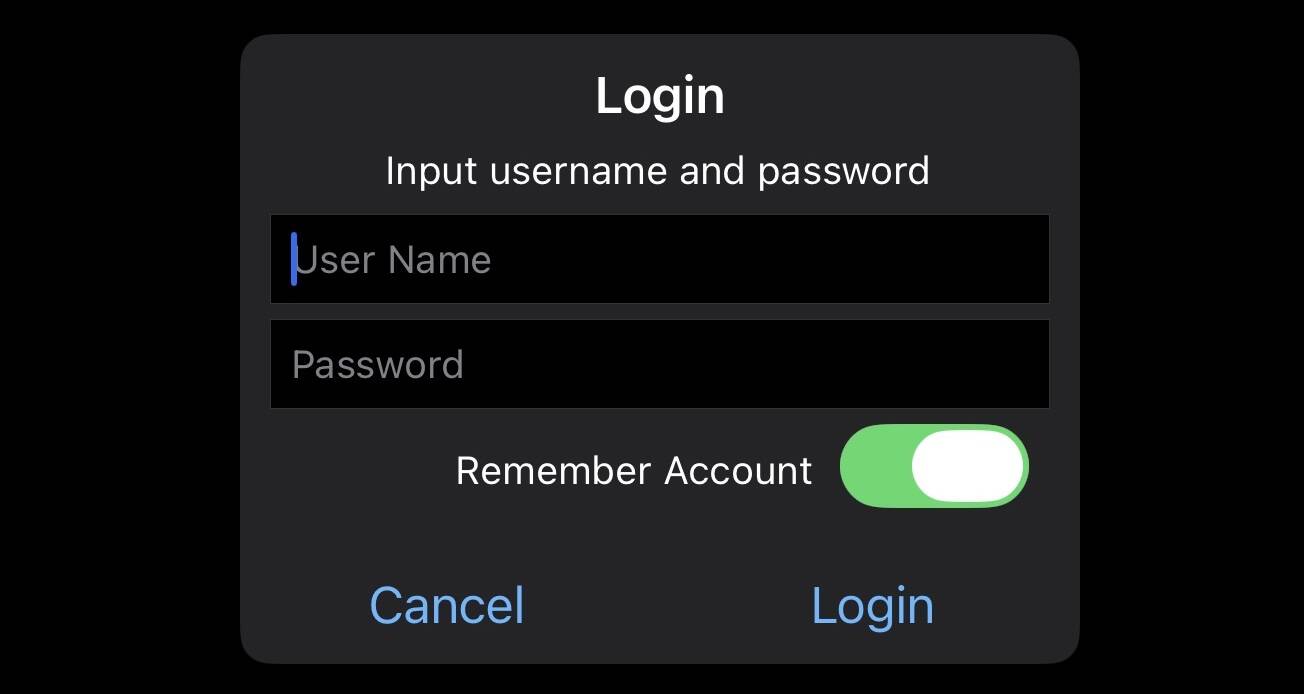
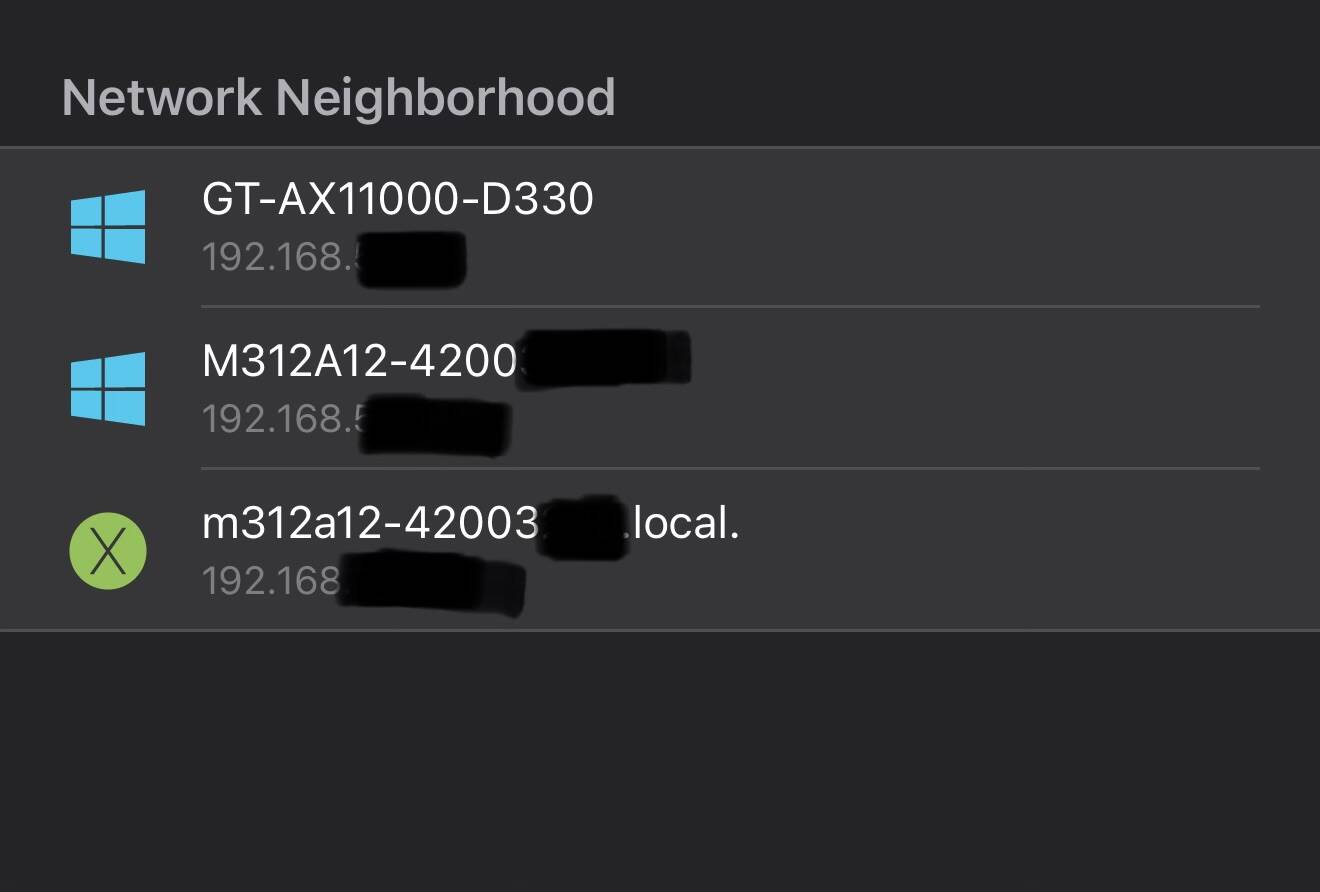
Unfortunately, nothing yet.
The latest update is that I can see it on my local network via LAN cable connected to the router. Using file explorer apps in my Iphone
However, I have no account, nor a default username and password.
So, it's still useless for me. I wish there were a guest or local default admin account,
Wish at least someone tries to reverse-engineer this device to make it usable somehow.
Posted : 11/09/2026 1:56 am

Louis Rossman has a "bug bounty" of sorts. You might try his new outfit. He's very easy to find online as he's a big proponent of Right to Repair and against Big Brother.
Take everything I say with a pinch of salt, I might be wrong and it's a very *expensive* way to learn!
Posted : 11/09/2026 8:11 am